A staffing agency runs two relationships at once: the candidate and the client. Most CRM software was built for one of those, not both — sales CRMs track deals and companies, ATSs track candidates and requisitions, and agencies end up stitching the two together with spreadsheets and status meetings.
That stitching is where time actually goes. A recruiter who has to update a candidate's status in the ATS, then separately message the client contact, then separately update a forecasting sheet for the desk manager is doing the same fact three times in three formats.
What "Recruitment CRM" Should Actually Mean for a Staffing Agency
For an internal talent-acquisition team, a CRM candidate database is a nice-to-have. For a staffing agency, it's core infrastructure, because the agency is managing client relationships — hiring managers, procurement contacts, contract terms — with the same seriousness as candidate relationships.
A genuine recruitment CRM for agencies needs to hold, in one place:
- Client accounts and contacts — who the hiring manager is, what their approval process looks like, contract terms, fee structure.
- Requisitions per client, each carrying its own candidate pipeline.
- Candidate records that persist across multiple client submissions — the same candidate might be submitted to three different clients over a year, and their history should follow them.
- Communication history — every email, call, and submission tied to both the candidate and the client thread.
- Forecasting and reporting that rolls up per-client and per-desk, not just per-requisition.
Most standalone ATS products handle the candidate side well and treat the client side as an afterthought — a company field and a contact name, nothing structural.
Where AI Screening Fits Inside a CRM, Not Beside It
The mistake many agencies make when evaluating tools is treating "AI screening" and "CRM" as two separate purchase decisions — a screening add-on bolted onto an existing CRM, or a CRM bolted onto an existing screening tool. That seam is exactly where data goes stale: a candidate gets screened in one system, and the client-facing CRM never learns the result until someone manually re-enters it.
79% of organizations that have integrated AI directly into their ATS are doing so because unified systems outperform bolted-together ones — and the gap is measurable: firms with embedded AI screening were meaningfully more likely to report revenue growth than firms without it, according to the same 2026 research.
For a staffing agency specifically, the practical questions to ask before switching tools:
| Question | Why it matters for an agency specifically |
|---|---|
| Does a screening result update the client-facing pipeline automatically? | Prevents the "screened in one system, invisible in the other" lag |
| Can one candidate profile carry history across multiple client submissions? | Agencies resubmit strong candidates; losing that history means re-screening from scratch |
| Does reporting roll up per-desk and per-client, not just per-role? | Desk managers need forecasting at a level above individual requisitions |
| Is client-facing submission formatting automated? | Manually reformatting a candidate profile for each client's preferred layout is pure overhead |
Interview Scheduling Is Part of This Too
Client-facing interview scheduling is one of the most repetitive parts of agency work, because it requires coordinating three calendars instead of two — recruiter, candidate, and client hiring manager. AI-assisted scheduling inside a connected CRM removes the email chain entirely by exposing available slots directly and confirming automatically once all three parties lock in a time, which is a meaningfully different experience from a scheduling link bolted onto a separate tool that doesn't know the client's calendar exists.
What This Looks Like Inside WorkforceOS
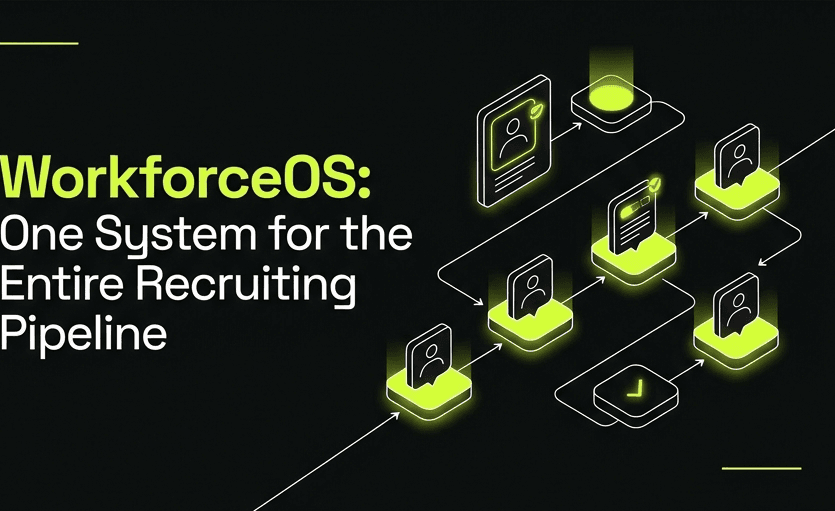
WorkforceOS is built around the eight-stage pipeline — sourcing, screening, outreach, interview scheduling, client submission, interview feedback, offer management, and placement — with client accounts and candidate records living in the same system rather than two systems glued together.
Practically, that means:
- A candidate screened for one client's requisition keeps that history when submitted to a second client months later.
- Client submission formatting is generated automatically from the candidate's unified profile, rather than manually rebuilt per client.
- Desk-level and agency-level reporting is generated from the same data recruiters are already working in, not a separate spreadsheet assembled at month-end.
- Interview scheduling coordinates recruiter, candidate, and client calendars inside the platform.
FAQ
Is WorkforceOS built for staffing agencies, internal TA teams, or both? Both — the pipeline structure is configurable, and the client-account layer that agencies need is present by default rather than being an enterprise add-on.
What happens to our existing candidate database when we switch? Existing candidate records and open requisitions are migrated in during setup — see the WorkforceOS rollout plan for the phased approach agencies typically follow.
Can different client accounts have different screening criteria? Yes — requirement weighting for AI screening is configurable per requisition, which matters when an agency runs meaningfully different qualification bars across client accounts.
Does the CRM side replace a separate sales CRM for business development? For most agencies, yes — client accounts, contacts, and requisition pipelines cover the core BD workflow. Agencies running a much larger, separate enterprise sales motion sometimes keep a dedicated sales CRM alongside it.
A recruitment CRM that doesn't share data with your screening pipeline is really just two separate tools sharing a login page. Explore WorkforceOS →
Want a system like this built for you?
Book a discovery call and we'll scope what it takes to automate your workflow.
Book a discovery callRelated
AI Interview Scheduling Software: Ending the Back-and-Forth Email Chain in Recruiting
Interview scheduling is still the most manual step left in most recruiting pipelines. Here is what AI interview scheduling actually automates, what it does not, and how WorkforceOS keeps a human in the loop for the decisions that matter.
Staffing Agency Software Buyer’s Guide 2026: What to Actually Evaluate
Most staffing agency software comparisons are feature checklists that miss the questions that actually predict whether a tool sticks. Here is a practical buyer’s guide, with a real evaluation framework and where WorkforceOS fits.
AI Resume Screening & Applicant Tracking Automation: Filtering Candidates Without Losing Quality
Most ATS filters are still keyword matches from 2015. Here is how AI resume screening actually works in 2026, what accuracy rates the best systems hit, and how WorkforceOS avoids the false-negative problem that quietly costs agencies their best candidates.